New Zealand 360° tours: step inside before you book
21 places I've filmed in 360°, on DeoVR. Move your phone to look around, or put on a headset and stand on the deck in Milford Sound before you book the cruise.
21 toursPlays on DeoVR (subscription)Phone, computer or headset
360° tours of Milford Sound, Queenstown and Abel Tasman
17 tours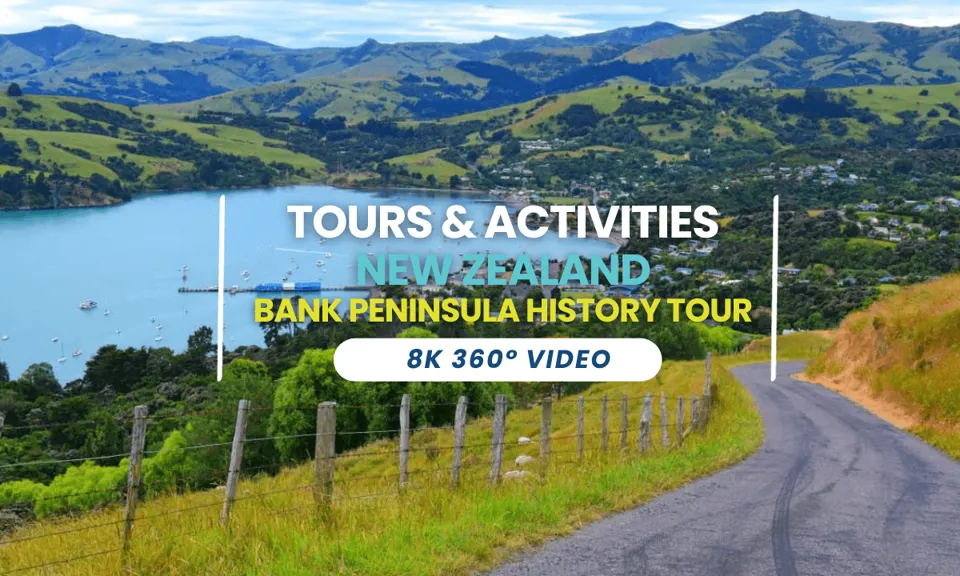 360°The Seventh Generation, AkaroaAbout this tour
 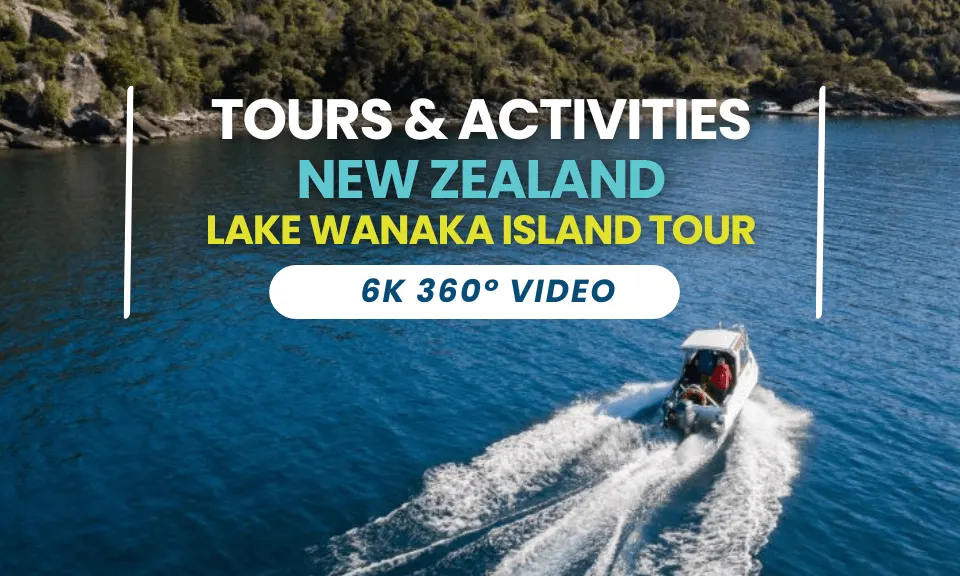 360°Mou Waho Island, WānakaWatch on DeoVR (opens DeoVR in a new tab)
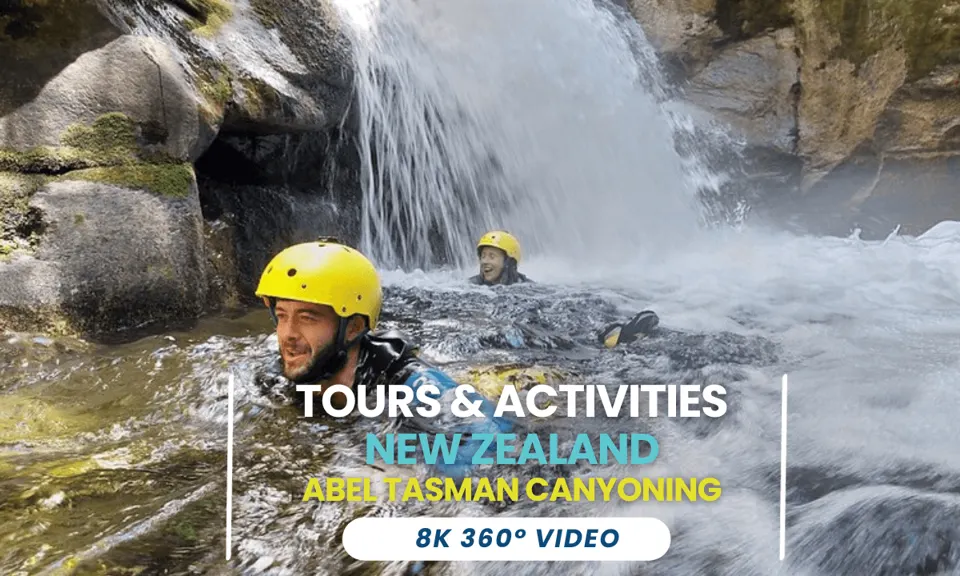 360°Abel Tasman canyoningAbout this tour
 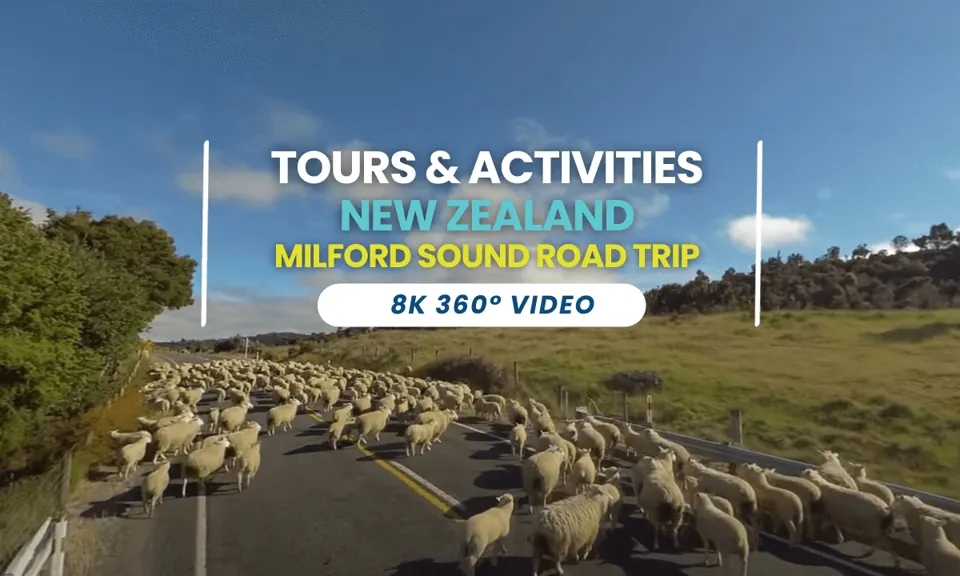 360°Milford Sound road tourAbout this tour
  360°Queenstown heli-golfingAbout this tour
 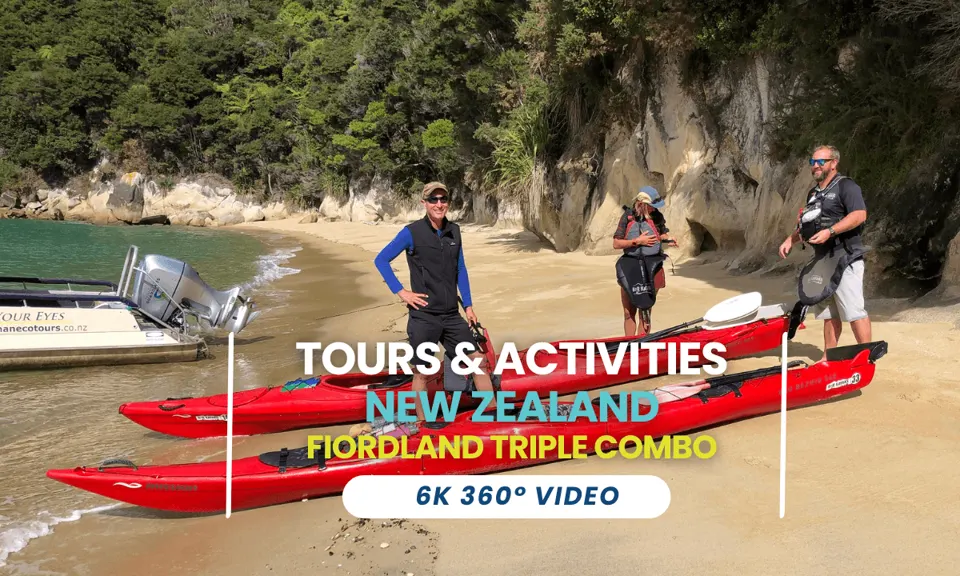 360°Abel Tasman kayakingAbout this tour
 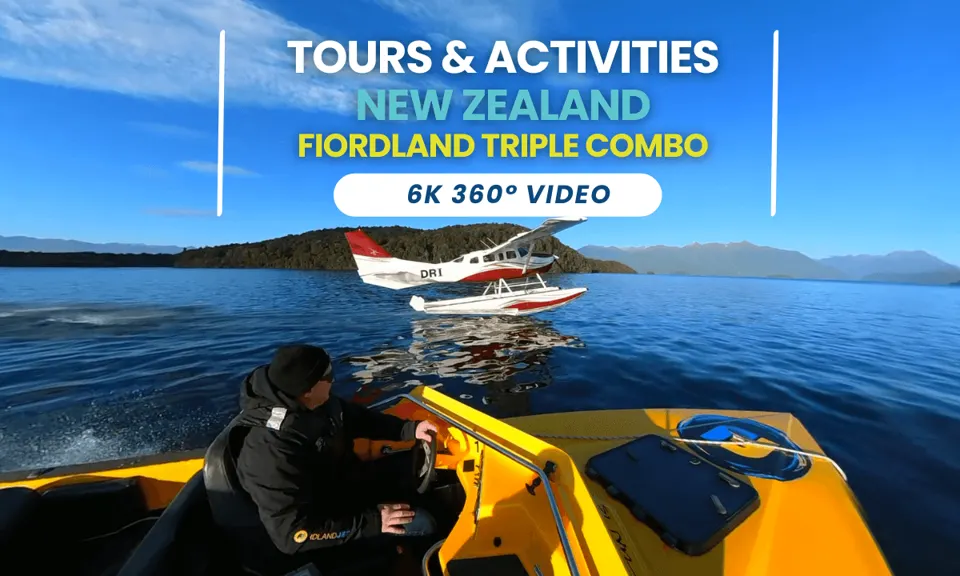 360°Fiordland combo tourAbout this tour
 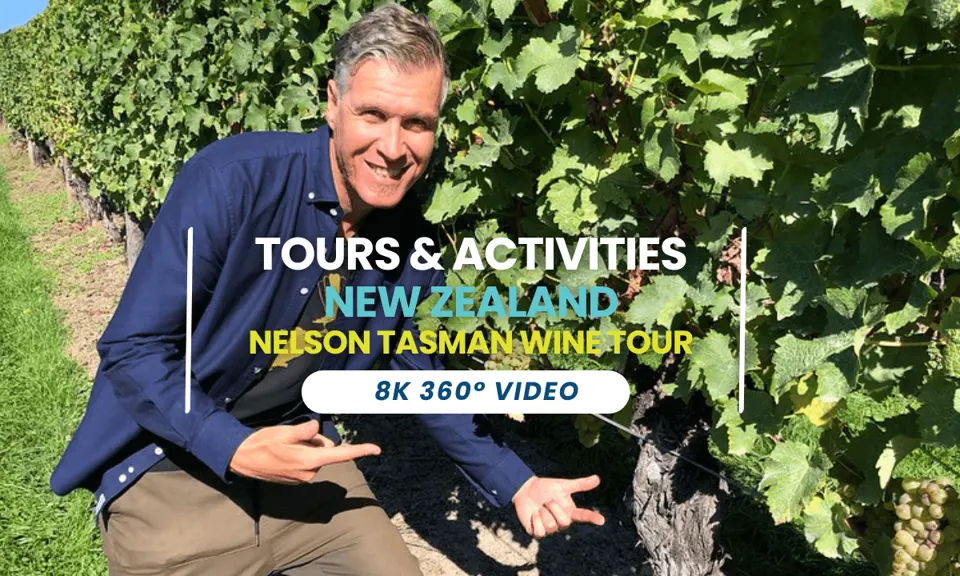 360°Nelson Tasman wine tourAbout this tour
 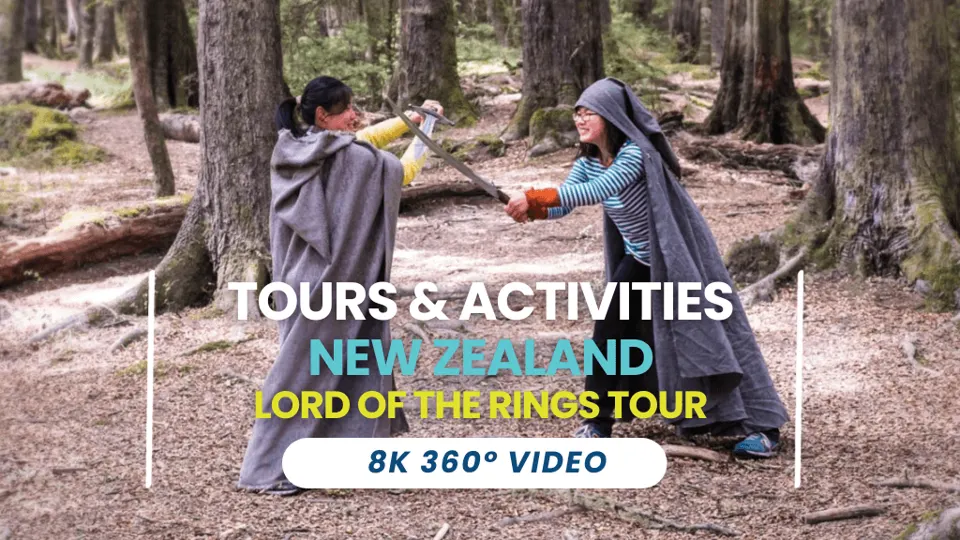 360°Lord of the Rings tourAbout this tour
  360°E-biking QueenstownAbout this tour
 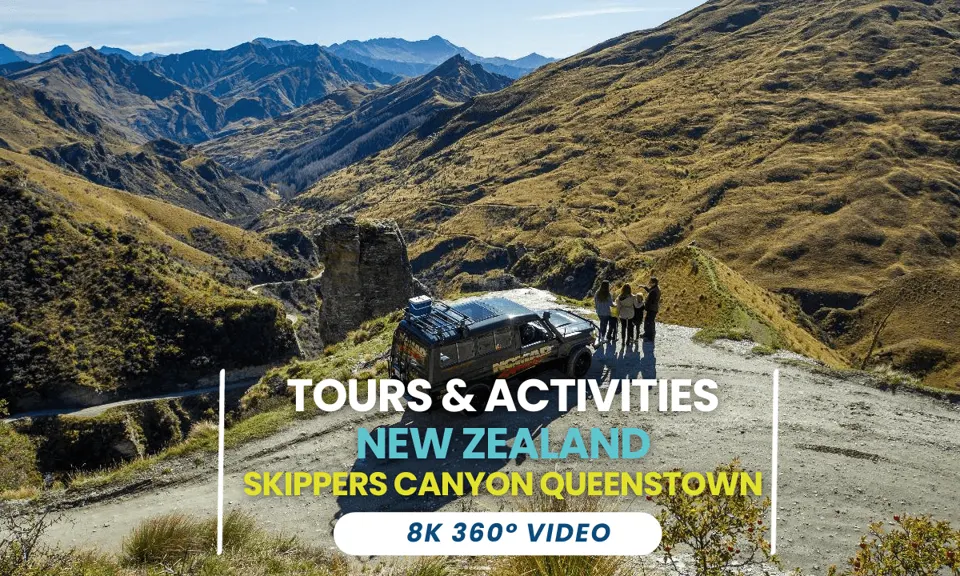 360°Skippers Canyon 4WD, QueenstownAbout this tour
 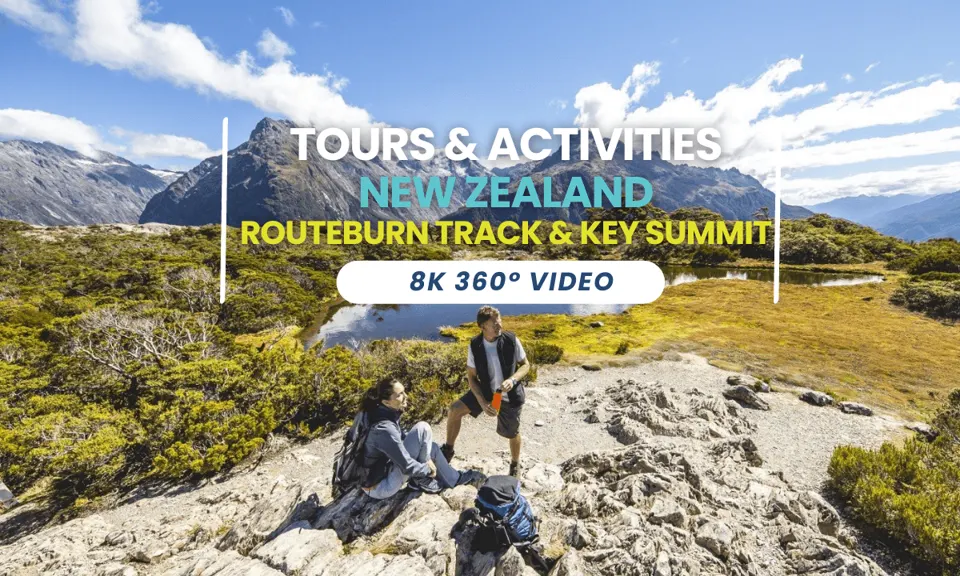 360°Routeburn TrackAbout this tour
 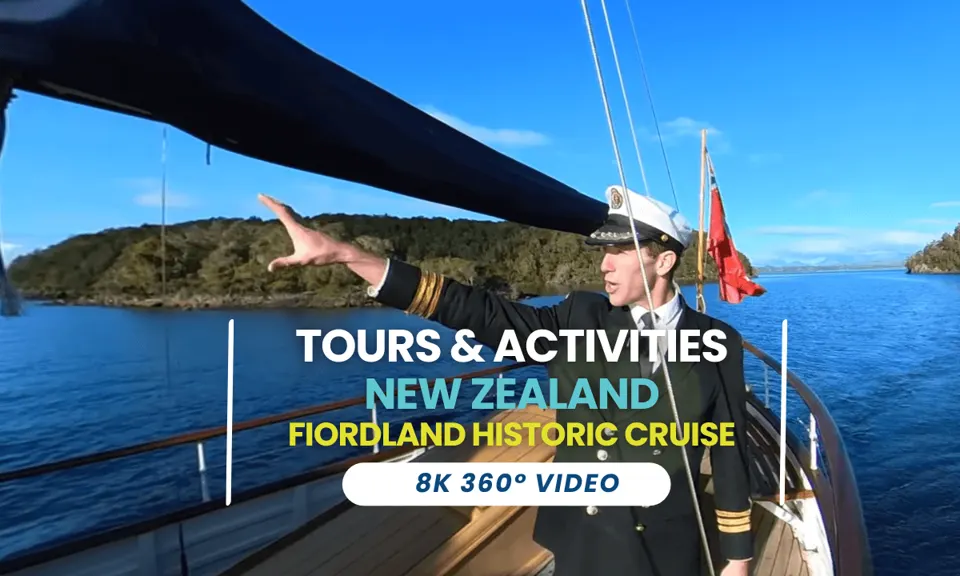 360°Fiordland cruiseAbout this tour
 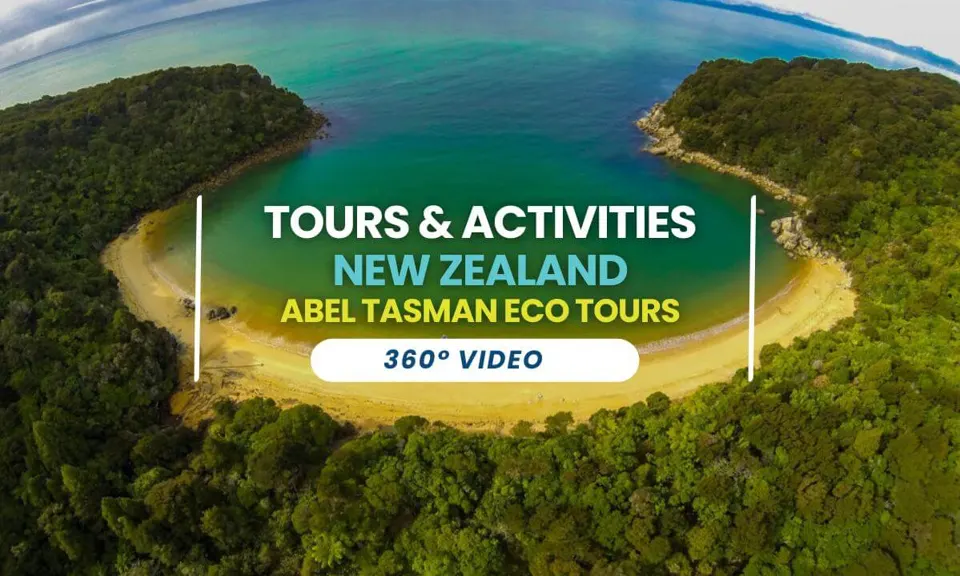 360°Abel Tasman eco tourAbout this tour
 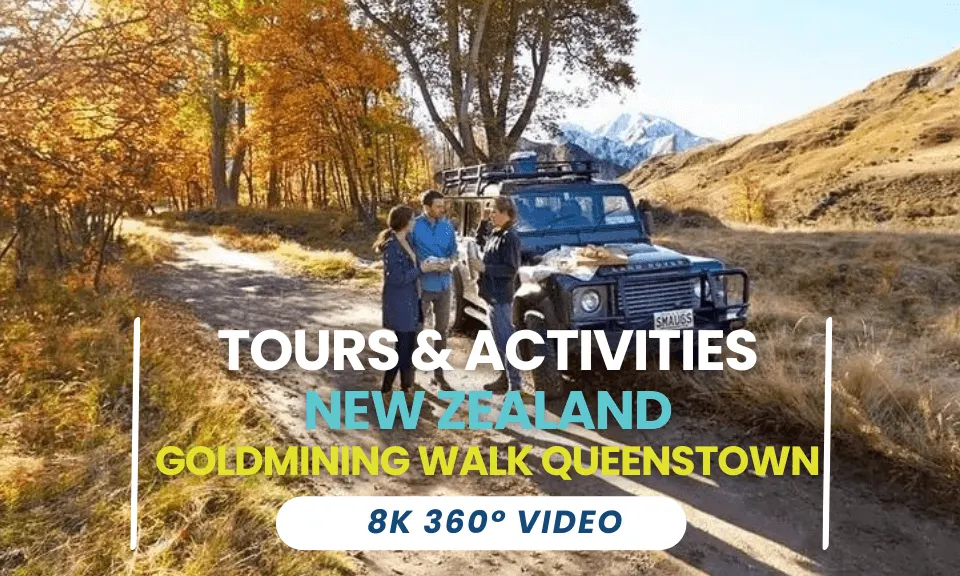 360°Queenstown goldmine walkAbout this tour
  360°Wānaka farm tourAbout this tour
 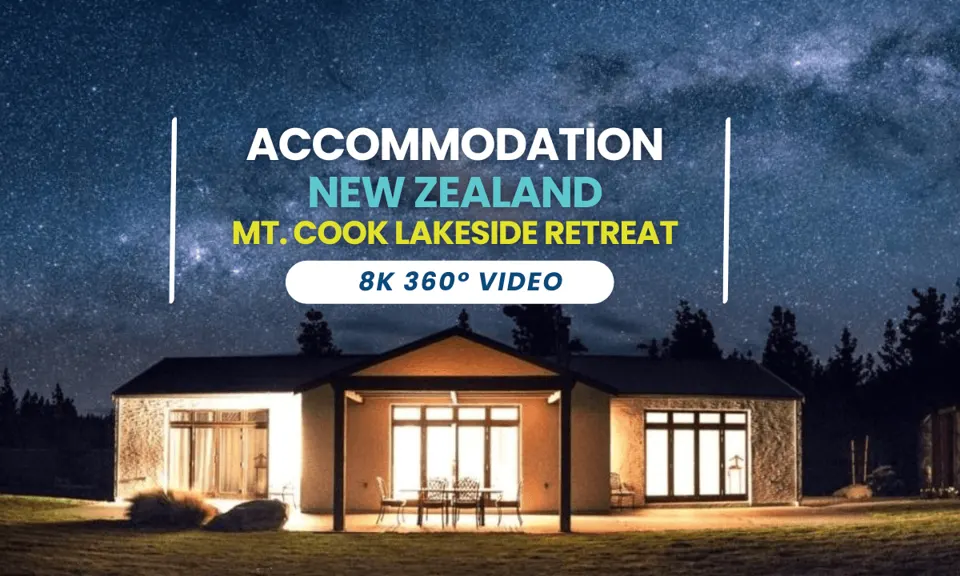 360°Aoraki/Mount Cook lake retreatAbout this tour
360° national parks: Fiordland, Aoraki/Mount Cook and the West Coast
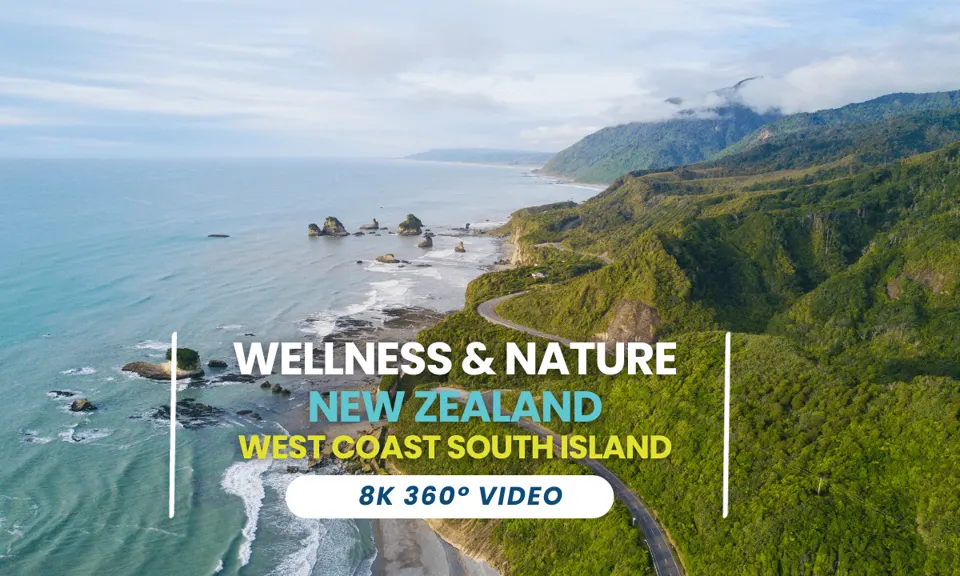
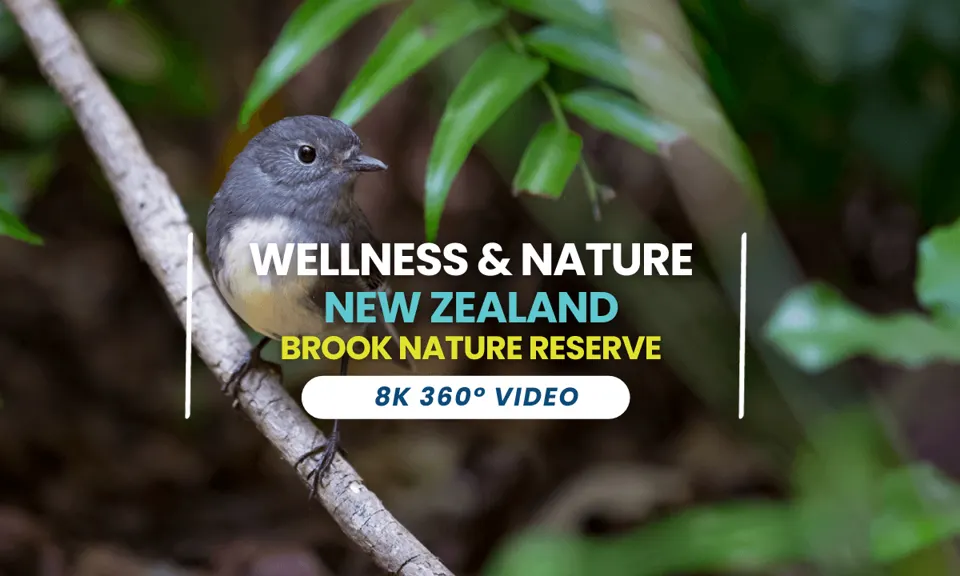
4 slow tours to unwind with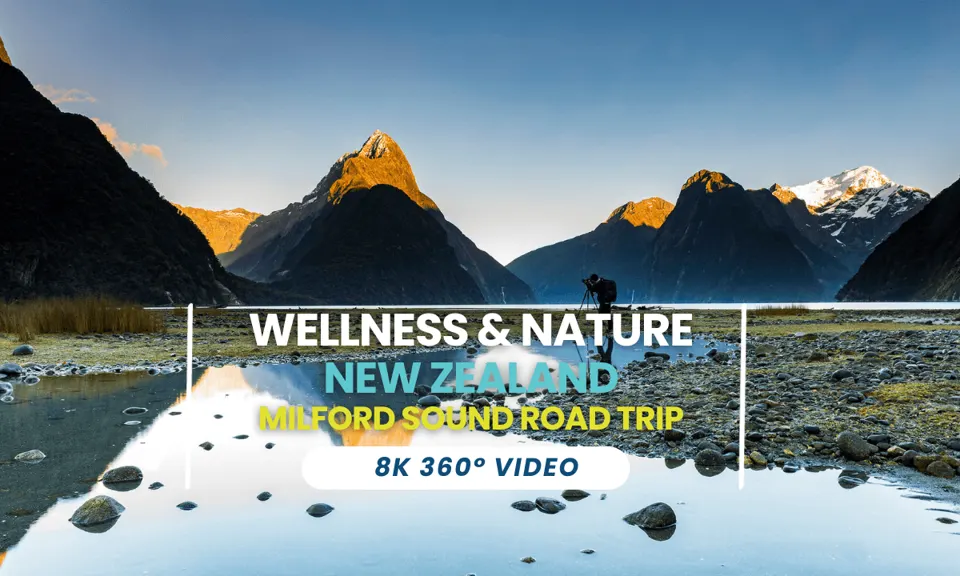
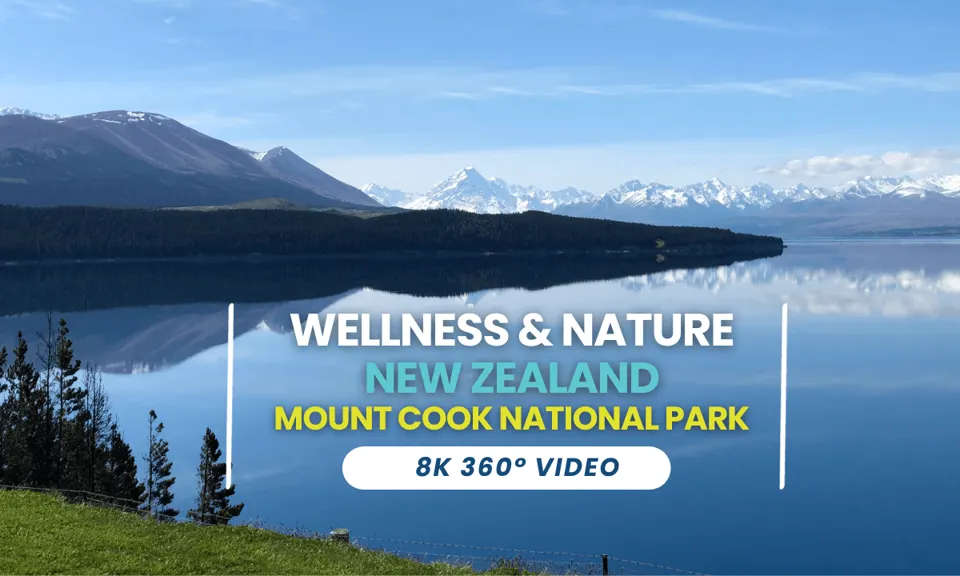
How to watch 360° travel videos on a phone or VR headset
On your phone
Open a tour and move your phone around to look in every direction. Turn it sideways for the full view.
On a computer
Click and drag inside the video to look around. Full screen works best.
In a VR headset
Open the DeoVR app on your headset, such as a Meta Quest, and search for Virtual Journeys.
The tours play on DeoVR, which needs a DeoVR subscription. DeoVR pays Virtual Journeys a small commission on watched content.